
Karcher VC 4 Cordless myHome Handleiding
PDF handleiding · 148 Pagina's
Nederlands



Snelle check
Onjuist antwoord, probeer opnieuw.
Chat met je Karcher VC 4 Cordless myHome-handleiding via AI
Krijg direct AI-antwoorden uit je Karcher VC 4 Cordless myHome-handleiding
Vraag alles over Karcher VC 4 Cordless myHome. Antwoorden komen uit deze handleiding, met de pagina's waarop ze zijn gebaseerd.
VC 4 Cordless myHome Onderhoudsschema
Om een optimale zuigkracht te garanderen, moet u het stofreservoir na elk gebruik legen. Doe dit uiterlijk wanneer de MAX-markering is bereikt.
Reinig het luchtinlaatfilter handmatig door erop te tikken en af te vegen met een vochtige doek of onder stromend water af te spoelen. Zorg ervoor dat het volledig droog is voordat u het weer plaatst.
Reinig het uitlaat-schuimfilter als het zichtbaar vuil is. Tik het voorzichtig uit of spoel het onder stromend water zonder te wrijven of borstelen. Laat het volledig drogen.
Vervang het uitlaat-schuimfilter als er zichtbare schade optreedt om schone uitlaatlucht te waarborgen.
Verwijder de borstelroller, verwijder vuil met een borstel of onder stromend water indien nodig, en veeg de borstelopening schoon. De roller moet volledig droog zijn voordat deze opnieuw wordt geïnstalleerd.
Reinig met een zachte borstel of een licht vochtige doek. Zorg ervoor dat kabels en contacten tijdens het reinigen niet nat worden. Laat drogen voordat u alles weer in elkaar zet.
Stel eenVraag
Beveel je VC 4 Cordless myHome aan?
Ja NeeBeveel je VC 4 Cordless myHome aan?
Ja NeeVeelgestelde Vragen
De Karcher VC4 is bedoeld voor droge huishoudelijke oppervlakken. De gemotoriseerde multifunctionele borstel is geschikt voor harde vloeren en tapijten. Het apparaat mag niet worden gebruikt om water, andere vloeistoffen, hete as, sigaretten of brandbare materialen op te zuigen.
Is dit antwoord nuttig?
Een volledig opgeladen accu biedt maximaal 30 minuten gebruikstijd in de normale modus. In de maximale of Boost-modus bedraagt de gebruiksduur maximaal 18 minuten. De werkelijke gebruiksduur kan variëren afhankelijk van het gekozen accessoire en de reinigingsomstandigheden.
Is dit antwoord nuttig?
Plaats de stofzuiger op de wandhouder, sluit de meegeleverde oplader aan op een stopcontact en steek de oplaadstekker in de stofzuiger. De led knippert groen tijdens het opladen. Wanneer de accu vol is, blijft deze twee minuten groen branden en gaat daarna uit.
Is dit antwoord nuttig?
Leeg het stofreservoir na elk gebruik voor optimale zuigprestaties, of uiterlijk wanneer het vuil de MAX-markering bereikt. Open de klep van het reservoir boven een afvalbak, leeg het en druk de klep dicht totdat deze vastklikt.
Is dit antwoord nuttig?
Controleer of de accu bijna leeg is, het stofreservoir vol is, de filters vuil zijn of de zuigopening, buis, accessoires of borstelrol verstopt zijn. Leeg het reservoir, reinig droge filters en verwijder verstoppingen voordat u doorgaat.
Is dit antwoord nuttig?
Het luchtinlaatfilter en het uitlaatschuimfilter kunnen volgens de instructies worden gereinigd, waaronder spoelen wanneer nodig. Plaats geen filter terug voordat het volledig droog is. Vochtige filters kunnen de prestaties beinvloeden en schimmelgroei bevorderen.
Is dit antwoord nuttig?
Voordelen en Nadelen
Voordelen

- Het snoerloze, lichtgewicht ontwerp ondersteunt snel schoonmaken in het hele huis.
- De gemotoriseerde multifunctionele borstel werkt op harde vloeren en tapijten.
- De Boost-modus biedt extra zuigkracht voor veeleisender vuil.
- De wandhouder ondersteunt geordende opslag en gemakkelijk opladen.
- Het uitneembare stofreservoir en de wasbare filteronderdelen vereenvoudigen het onderhoud.
Nadelen

- De gebruiksduur in de normale modus is beperkt tot maximaal 30 minuten per volledige lading.
- Het opladen van een volledig lege accu duurt ongeveer 390 minuten.
- De Boost-modus verlaagt de maximale gebruiksduur tot maximaal 18 minuten.
- Filters en de borstelrol moeten volledig droog zijn voordat ze opnieuw worden geplaatst.
- De stofzuiger is uitsluitend bedoeld voor droge oppervlakken en huishoudelijk gebruik.
Product Specificatie
Type
Handstofzuiger, steelstofzuiger
Voedingsbron
Accu (21,6 V, 2,5 Ah, lithium-ion)
Inhoud
0,65 l
Filtratie
Ja
Gebruiksduur
30 min
Gewicht
2,4 kg (zonder stofzuigeraccessoires)
Product Beschrijving
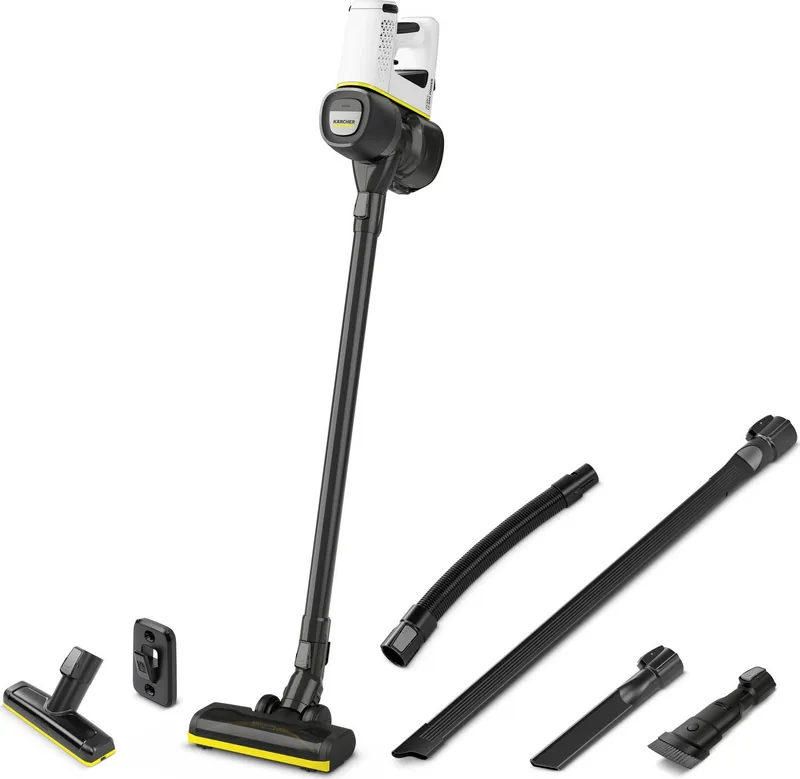
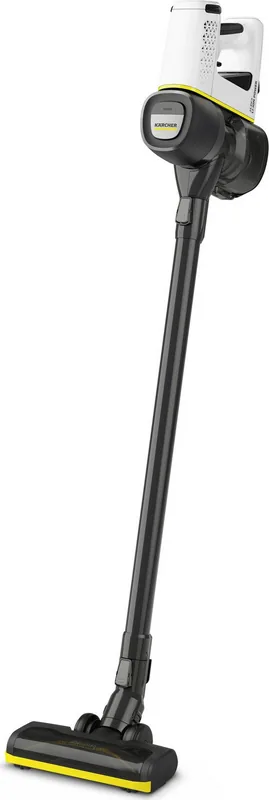
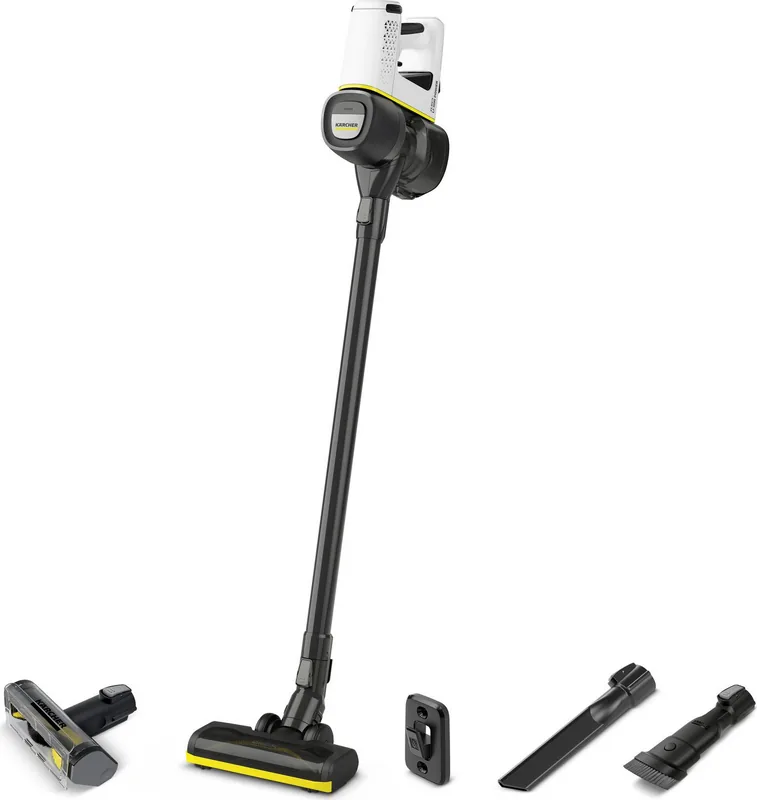
Karcher VC4 Cordless handstofzuiger
De Karcher VC4 Cordless handstofzuiger is ontworpen voor gemakkelijk dagelijks schoonmaken in particuliere woningen. Dankzij het snoerloze ontwerp kunt u eenvoudig van kamer naar kamer gaan, gemorste vloeistoffen snel opruimen en lastige plekken bereiken zonder een stroomkabel te hoeven gebruiken. Een uitneembare accu, een wandmontageoptie en een lichtgewicht handunit zorgen ervoor dat de stofzuiger klaar is voor regelmatig gebruik.
Flexibel reinigen van vloeren en oppervlakken boven de vloer
Een gemotoriseerde multifunctionele borstel is geschikt voor zowel harde vloeren als tapijten en helpt fijn vuil en vuil dat in tapijtvezels vastzit op te nemen. De zuigbuis vergroot het bereik voor vloeren, plafonds en hogere oppervlakken, terwijl de handstofzuigerconfiguratie handig is voor meubels, trappen en compacte schoonmaakklussen.
De meegeleverde spleetzuigmond ondersteunt het reinigen langs randen, rond radiatoren, voegen en smalle kieren. Een 2-in-1-combinatieborstel biedt extra veelzijdigheid voor harde meubeloppervlakken, bekleding en gordijnen. Afhankelijk van het gekozen model kunnen aanvullende accessoires en apparatuur voor filterreiniging beschikbaar zijn.
Extra vermogen wanneer u het nodig hebt
Voor zwaarder vuil of hardnekkige plekken verhoogt de Boost-functie de zuigkracht met een druk op de knop. De stofzuiger kan worden gebruikt door de aan/uit-schakelaar ingedrukt te houden of door de vergrendelingshendel te gebruiken voor ononderbroken reinigen. Een led-indicator toont de accustatus, de voortgang van het opladen en bepaalde foutmeldingen, waardoor de bediening eenvoudig is.
Met een volledig opgeladen accu biedt de VC4 maximaal 30 minuten gebruik in de normale modus en maximaal 18 minuten in de maximale modus. Opladen vanaf een lege accu duurt ongeveer 390 minuten. Het stofreservoir van 0,65 liter is uitneembaar en kan rechtstreeks boven een afvalbak worden geopend, waardoor legen eenvoudig is.
Dagelijks onderhoud en opslag
Onderhoud van de Karcher VC4 Cordless handstofzuiger is belangrijk voor een constante zuigkracht. Het stofreservoir moet worden geleegd wanneer het de MAX-markering bereikt en het luchtinlaatfilter moet na gebruik worden gereinigd. Het cycloonfilter, het uitlaatschuimfilter en de borstelrol kunnen ook naar behoefte worden gereinigd. Filters en borstelrollen moeten volledig droog zijn voordat ze opnieuw worden geplaatst.
De meegeleverde wandhouder biedt nette verticale opslag en een praktische oplaadlocatie. Gebruik de stofzuiger voor de beste resultaten alleen op droge oppervlakken. Het apparaat is niet bedoeld voor vloeistoffen, hete as, brandbare materialen, mensen, dieren of planten.
Opmerkingen
- Gebruik originele Karcher-accessoires en reserveonderdelen voor een betrouwbare werking.
- Controleer op verstoppingen, een vol stofreservoir of vuile filters als de zuigkracht afneemt.
- Bewaar de accu binnenshuis op een droge plaats onder 20 C.
- Het trefwoord Karcher VC4 Cordless handstofzuiger - gratis lezen, downloaden en afdrukken benadrukt een praktische snoerloze reinigingsoplossing voor huishoudelijk onderhoud.
Zoek naar 67.732 Handleidingen online


Typ merk of model in